Home Lab Server Build
Chip fracture for finger, scavenging for parts for home lab server build
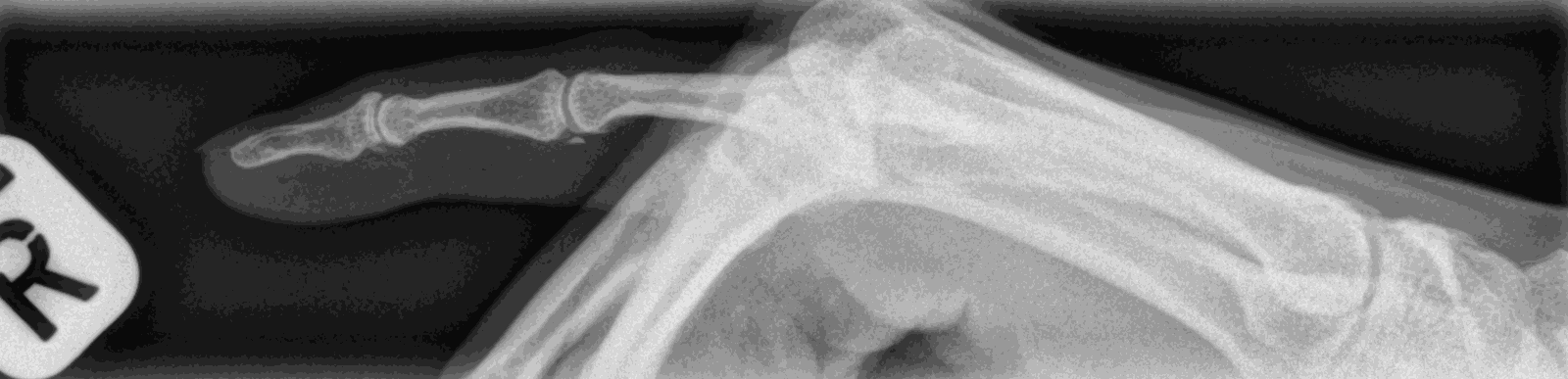
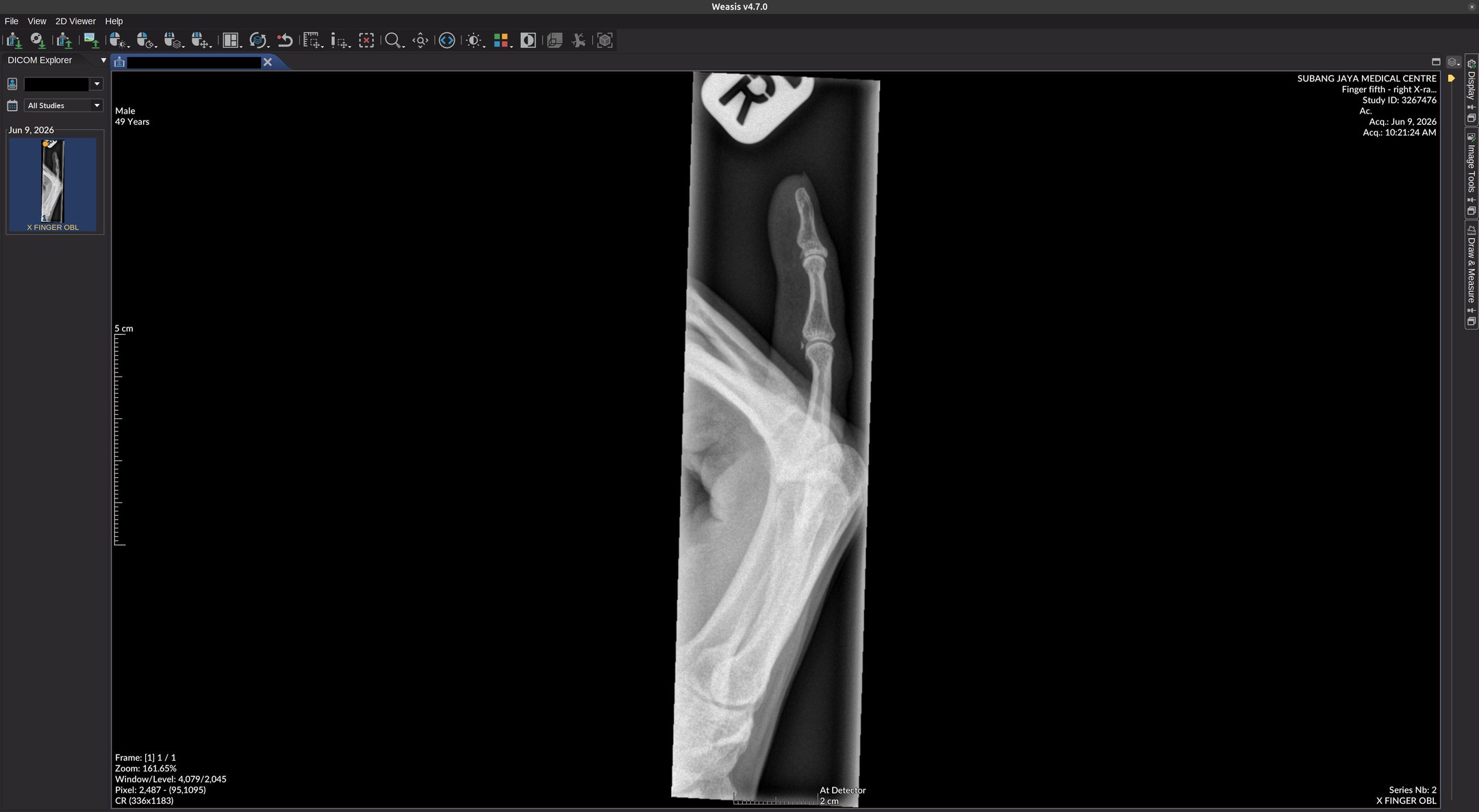
Writing this quick update to get into writing mode, on the tail end of a stressful month
First up, while having to write up and edit multiple reports, I also had to do it with 9 fingers, due a a chip fracture of my pinky. Thankfully no bones were broken. Learned that these days, you can get digital images of medical imaging in a standard format called DICOM, which is saved as with .DCM extensions. And you can view them with cross platform open source software Weasis, that works perfectly on Linux.
Home Lab AM4 Server Build
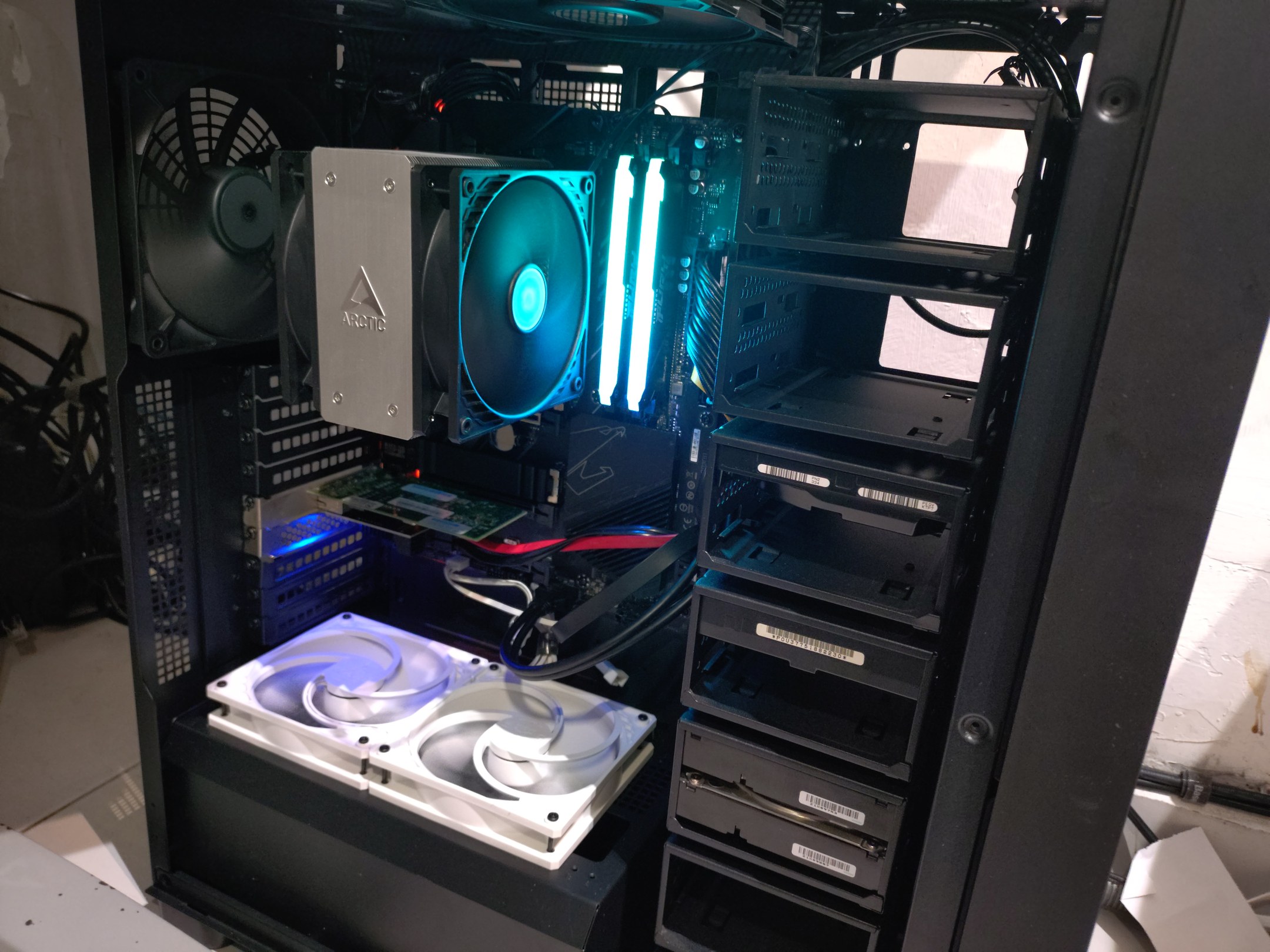
Apparently putting in a relatively "modern" GPU onto a decade old motherboard, wasn't a good idea. The additional power draw apparently caused it to die. Had me sweating bullets worrying about how to find affordable parts with consumer hardware shortages due to AI. The home lab server runs this website, the firewall/router for the home, and NAS storage for media and data. So I had to get a new build and get it up as soon as possible.
It'll have to be an AM4 and DDR4 memory, and it isn't wasn't as straight forward builds as it would be in normal times.
For one, workstation/server casings are mostly out of stock, especially with lots of HDD mounts. Thankfully FSP just released a new casing for this the U660 with 18 HDD mounts, and these are in still in stock. Construction, isn't that great, but it's not expensive either. It's quite modular, and you can remove individual HDD cages, which I had to do, to fit a GPU in there. If you have multiple GPUs, you'll lose space for about 4 hdds (two cages). While the side panels are tool-less, the HDD mounting isn't very accessible you have to take out the entire HDD cage and mounting rack to add/remove any drives. It's a pain, so if you want to add/remove drives often, this isn't the case for you.
First critical build part was affordable memory. Had to watch Facebook Marketplace and Carousell daily. When someone had 64GB DDR4 3200 RAM for sale for RM1300, I immediately grabbed it. Hardest part done.
ATX AM4 motherboards are also hard to find. A520M and B550M compact budget motherboards are available, but not x570 or B550 ATX motherboards. These boards have limited if any spare PCIe expansion slots. I settled on a new Gigabyte B550 Aorus Elite motherboard. Which has 2 M2 slots, but only 4 SATA ports. First M2 is used a 256GB drive for L2ARC cache, and second hand 32GB M2 Optane (~RM100).
CPU was Ryzen 5500GT, which has integrated graphics and sips power at 65W TDP. It's way more powerful than the FX6300 it was replacing.
The motherboard only has 3 PCIe 3.0 1x slots, so will be limited for expandability. Thankfully there are plenty of cheap PCIE 1x cards easily available from China. This 4port SATA card works fine for example.
The existing 2x4TB and 2x2TB HDDs and FreeBSD boot SATA SSD drive were all still OK, along with an old Intel Pro 1000 dual port card, and the second hand Radeon 5700XT GPU, and installed into the new build
FreeBSD booted up just fine, and worked even better on modern hardware and double the memory. The only issue was the onboard Realtek RTL8125 2.5G network interface. It's experimental has some quirks to get it working. Not an issue as the old reliable Intel dual port card still works fine.
This is build is still on last generation's technology, but it's still relatively affordable, it still has some upgrade paths and was more than capable of handling parts of my more modern AI assisted workflow. Will touch more on this in another post.